
How This Social Worker Built A Strategic Sales Page for Her Online Course
If you’re a therapist, social worker, or wellness coach, “selling” is probably not high on your list of favorite to-do’s. We helpers tend to cringe at the idea of pushing any sort of agenda, especially when it comes to selling a product.
But if you want to use your expertise to create a course, write a book, or start a membership, you’ll eventually have to sell what you create, and that can be a tough undertaking if you’re not accustomed to it.
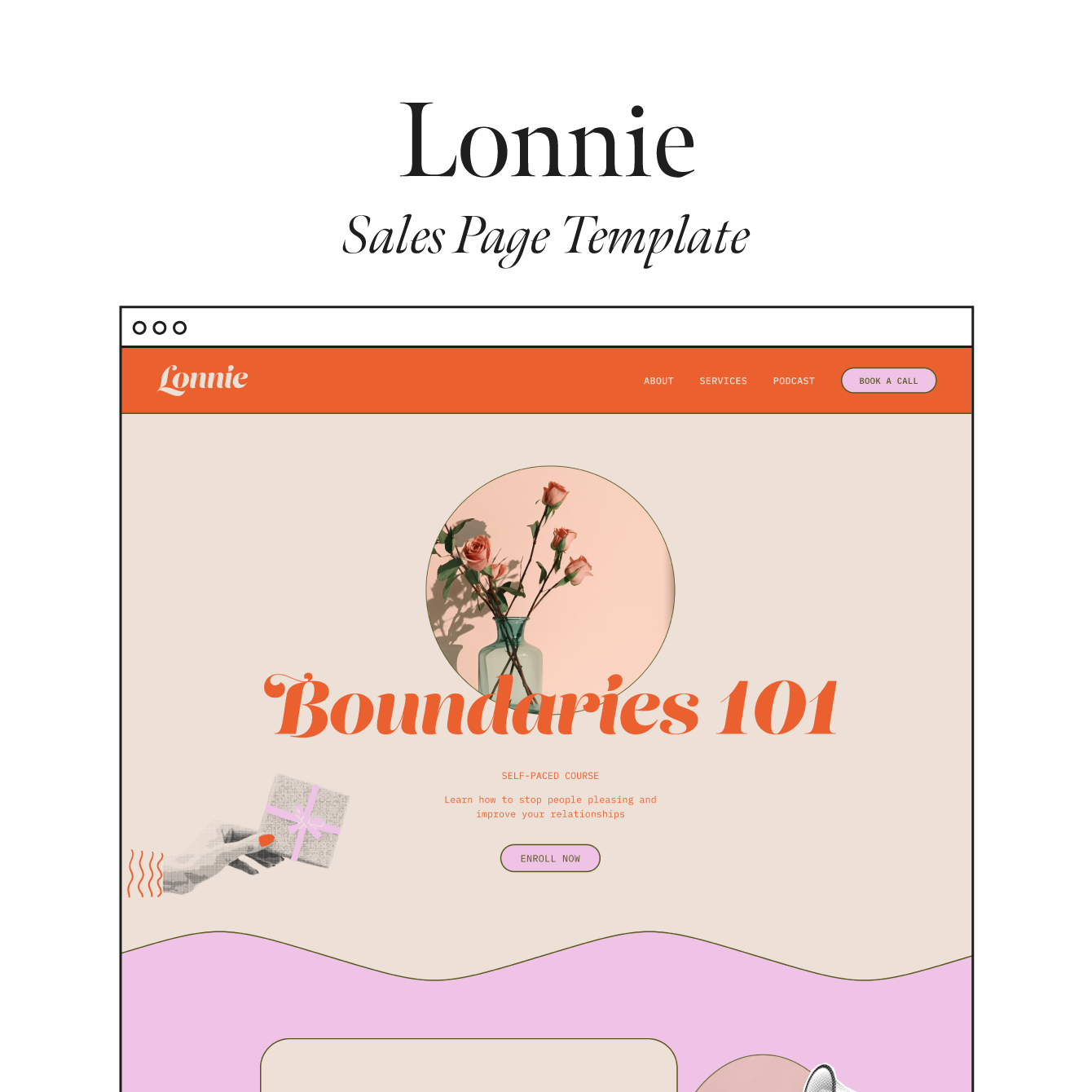
That’s why I created Sales Page Templates for therapists and coaches who use Squarespace. These single-page templates were designed to match our full website templates, and they come with everything you need to create a strategic sales page that connects with your ideal audience.
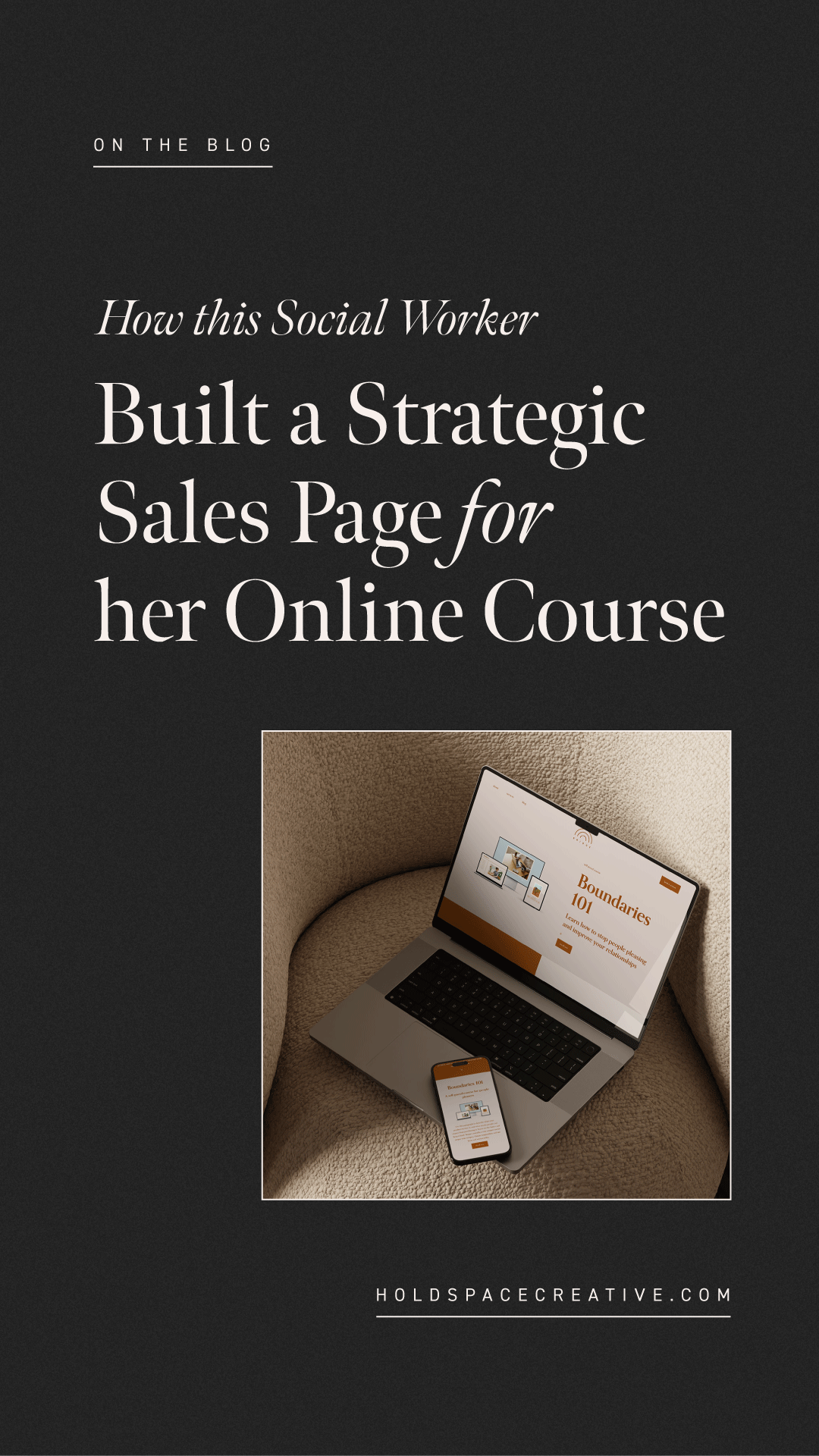
Recently, I interviewed one of our Sales Page Template customers, Kaleigh Cornelison, LMSW, LCSW, to learn more about her experience with her template. Kaleigh is a trainer, facilitator, and licensed social worker who helps adults support the teens and young adults in their lives. She recently created her first online course, and used our Bridge Sales Page Template to launch it!
Here’s more from Kaleigh:
Tell us about the product that you're selling:
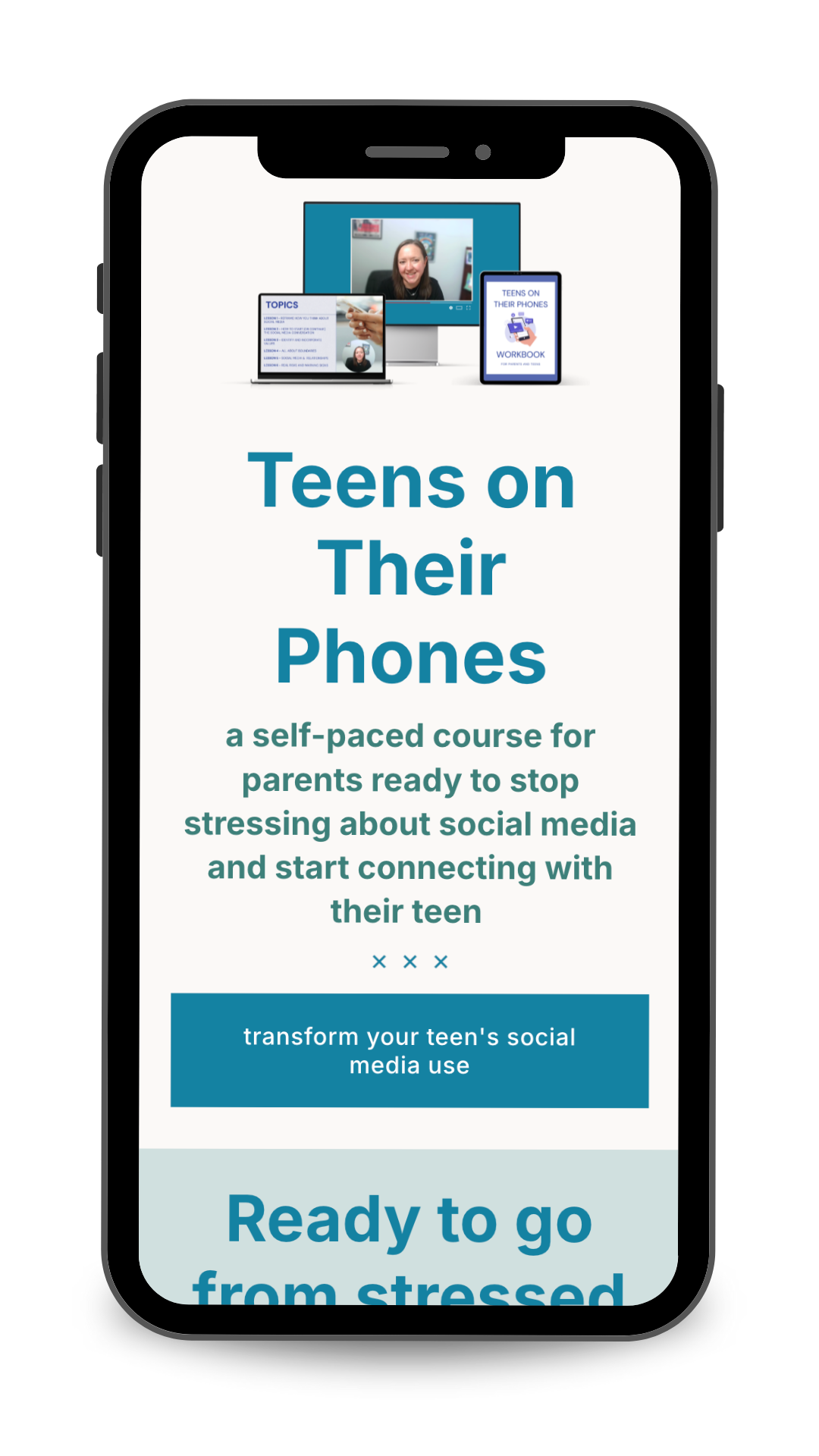
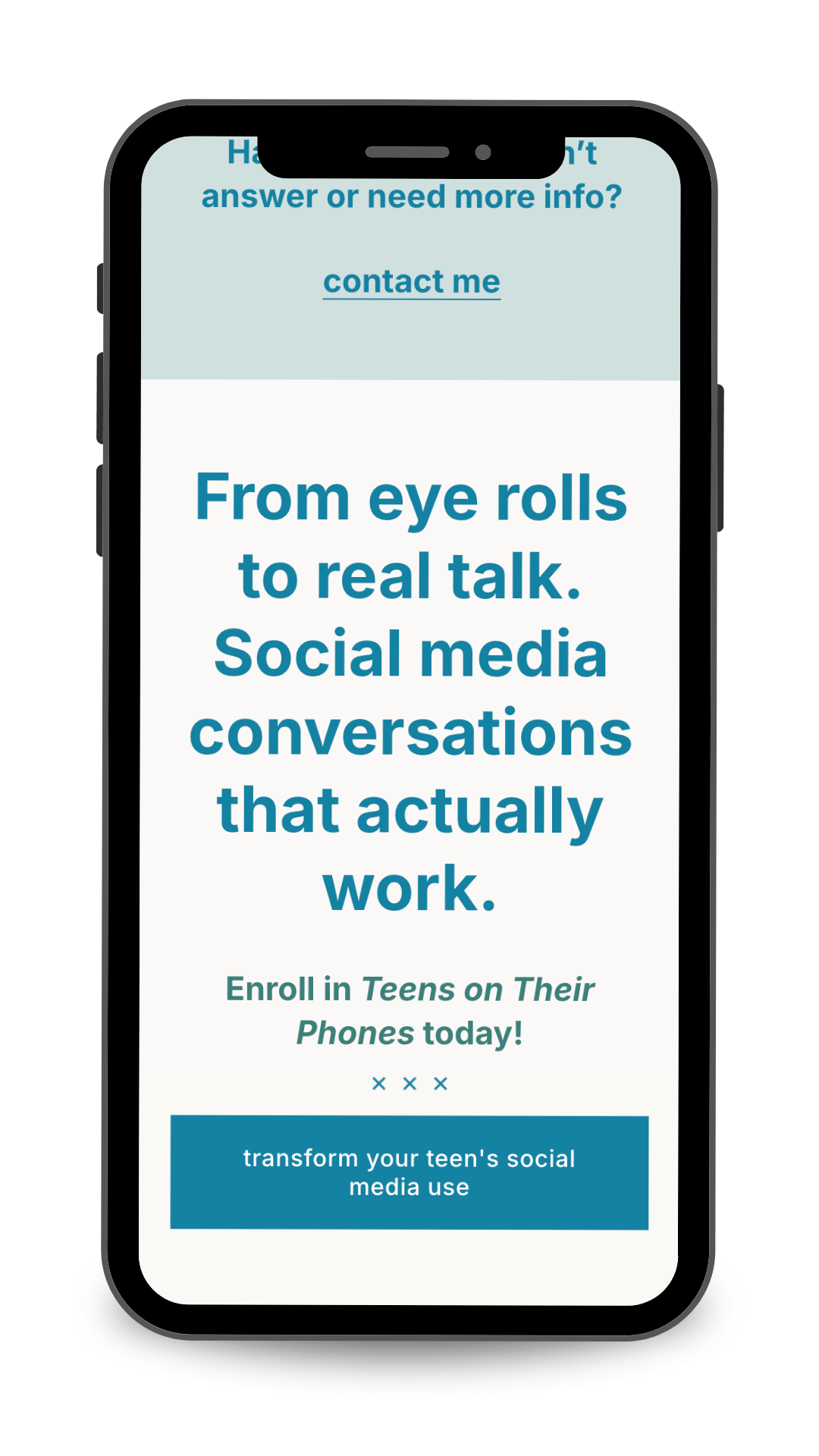
“My product is Teens on Their Phones, a self-paced course and workbook that helps parents foster healthy social media use in their teens. The course helps parents have successful, meaningful conversations with their teen about how to navigate the digital world and avoid imposing unrealistic rules (or throwing their phone out the window!).
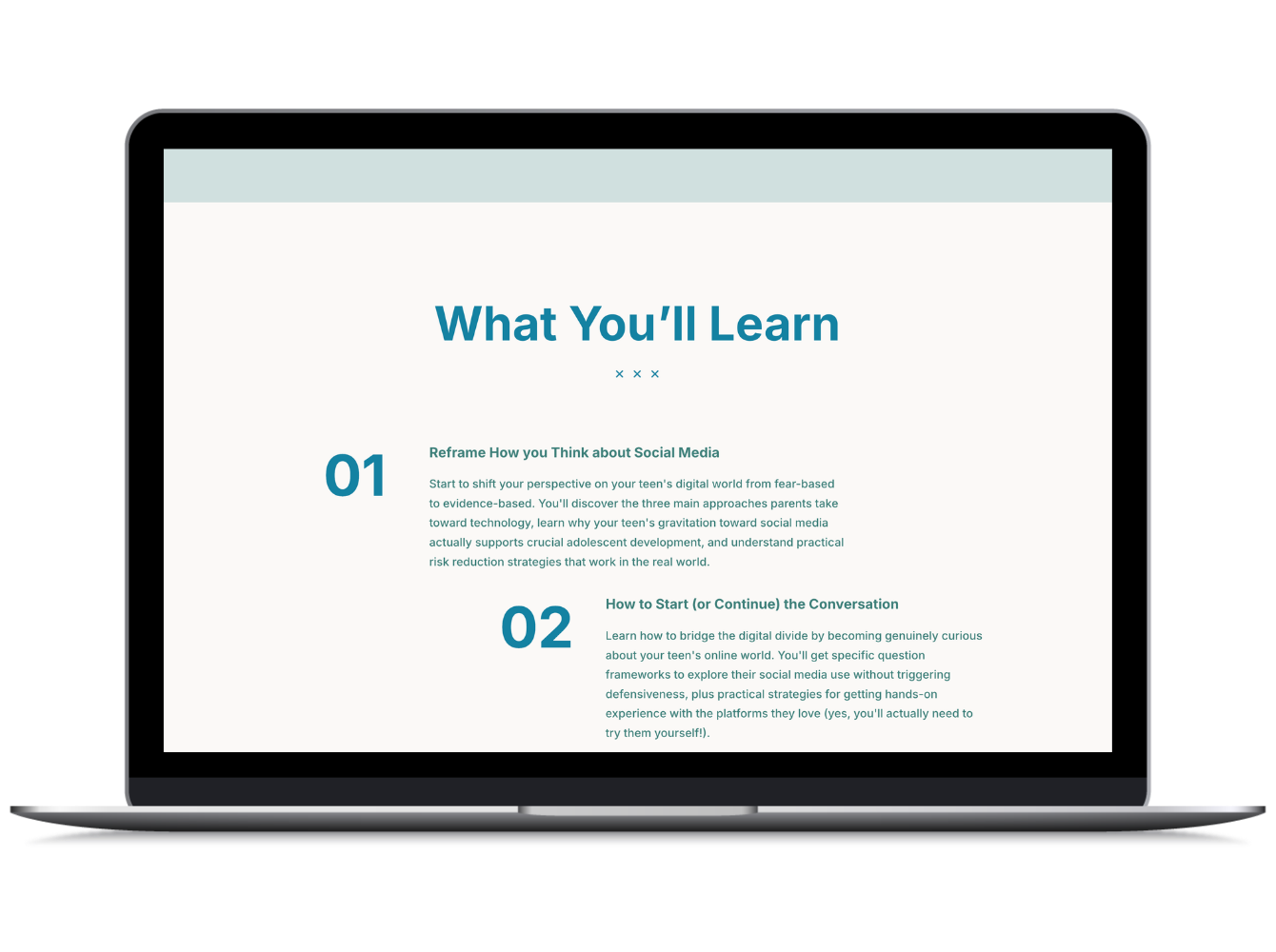
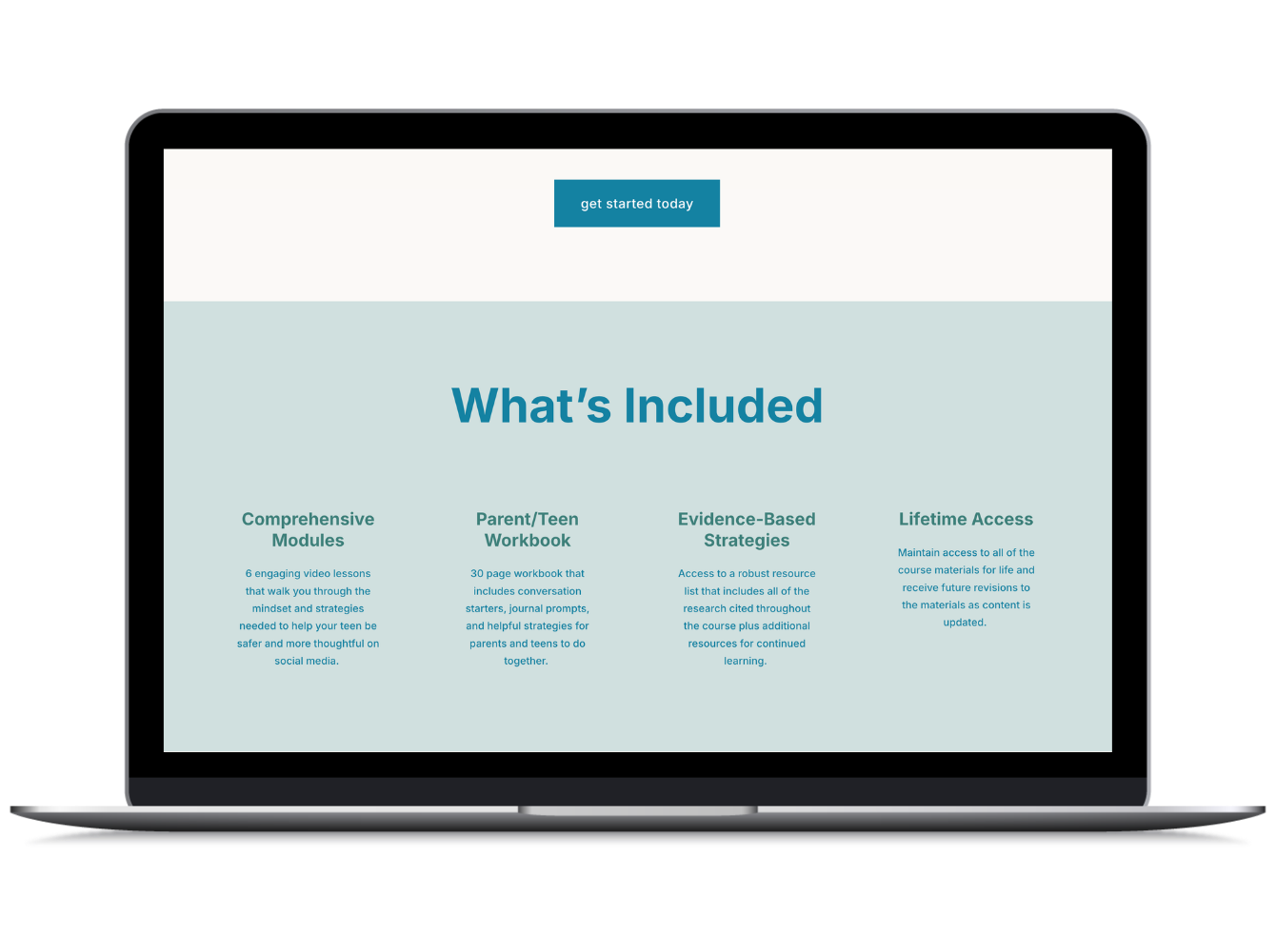
Teens on their Phones takes parents through 6 engaging video lessons on topics including how to start (or continue) the social media conversation, setting boundaries, navigating social media and relationships, and incorporating values in online spaces.
The digital workbook encourages teen engagement through conversation starters and reflection prompts.
Teens on their Phones is different because it's not about banning social media until they're 16 or implementing strict monitoring apps (though we do talk about the pros and cons of monitoring). Instead, it's realistic, evidence-based, connection-focused and collaborative - a must-have for any parent who wants to help their teen navigate social media today.”
Why did you decide to use a Sales Page Template?
“I'd been wanting to create a self-paced course for a while to add to my live training offerings. I really wanted to find a way to share meaningful content with my audience when I couldn't train in real time. Selling a product can feel a little daunting so when I found out I could get a Sales Page Template that perfectly matched my website it was a no-brainer.
It really helped me feel confident about putting this product out into the world in a way I knew would look beautiful AND that I would have the support of the Copywriting Template and the Step-by-Step Tutorials for showcasing what I created.”
Tell us about the experience of using your Sales Page Template. What was it like to use a pre-designed page for your website?
“Having the pre-designed page just made everything super easy. I already had my course developed so after that it was just using the template to plug in my copy and content and it was ready to go really quickly.
In the past, I've always been so intimated by designing pages on my website but ever since I got my Hold Space Creative Template and then the Sales Page Template I feel like I have the building blocks to make it look great plus the backup support of your team to help when I have questions.”
How was the process of writing copy for your sales page?
“I always say that the Copywriting Template is one of the best parts of working with Hold Space Creative. I'm not someone who has experience with marketing so having the Copywriting Template was so necessary for me!
It really helped me think about my ideal client and what their concerns are, plus it guided me to really tell a story in a way that incorporated my personality (see my reference to the Princess Bride on my Sales Page!). I never would have known what to focus on or how to connect with clients without having that guidance.”
Did using the Sales Page Template clarify anything or give you any "aha" moments?
“I think the biggest thing it clarified is all the different elements I needed to include on sales page. I would never have thought to include all the different sections that make a sales page successful: the FAQs, testimonials, what's included, about me, etc.
Having this be my first product, I didn't know what I didn't know going into it, and the Template ensured that my potential customers had all the info on the sales page without needing to search for it or reach out to me with questions.”
Thank you, Kaleigh, for sharing your experience!
If you’d like to learn more about Kaleigh’s course or her other offerings, head over to her website →
Get started with a Sales Page Template today:
These single-page templates are pre-designed, ready to use, and can be installed on any Squarespace 7.1 website. Take the guesswork out of selling, no matter what type of product you’ve created.

View Demo Page →